
Best Plugins for Squarespace (That Are Actually Worth It)
If you’ve ever searched for Squarespace plugins, you’ve probably fallen into a rabbit hole of endless lists, code snippets, and tools that promise to completely transform your website.
And honestly? It’s overwhelming.
As a Squarespace designer working with small business owners every day, I can tell you this: you don’t need dozens of plugins, you need the right ones.
Squarespace is designed to be an all-in-one platform, which is why I recommend it to so many of my clients. But there are a handful of carefully chosen tools that can elevate your site, from better SEO to stronger design to custom navigation.
In this post, I’m sharing my go-to best plugins for Squarespace, the ones I actually use or have personally vetted for client projects and my own website.
Do You Even Need Plugins?
Squarespace works differently than platforms like WordPress. There’s not one massive plugin marketplace.
Most Squarespace 7.1 plugins are actually:
Code snippets
Third-party tools
Extensions that enhance functionality
In my opinion, that’s a good thing. It keeps your Squarespace site fast, secure and easy to manage. So instead of adding everything, the goal is to add only what supports your business goals.
My Favorite Squarespace Plugins
These are my tried-and-true favorites—focused on SEO, legal protection, design flexibility, and conversions.
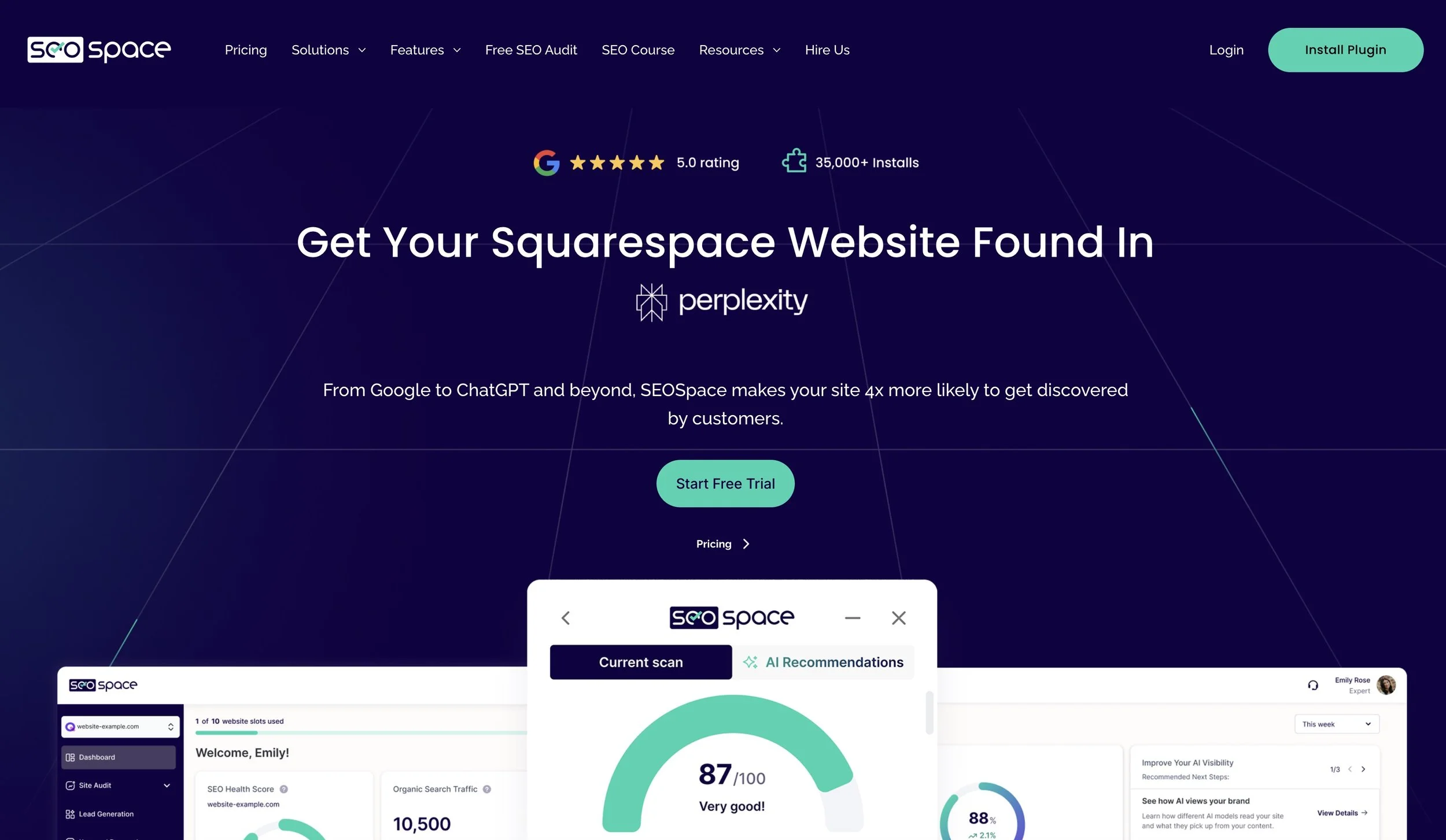
1. SEOspace* (Best SEO Plugin for Squarespace)
If you want your website to actually get found, SEOspace* is one of the best tools you can use.
It’s built specifically for Squarespace and helps you:
Optimize blog posts and pages
Track keywords
Get clear, actionable SEO recommendations for your website
What I love most is how it simplifies SEO, especially for small business owners who don’t want to spend hours figuring it all out.
👉 If you’re working on improving your visibility, this pairs really well with strategies like those I share in my post on AI search optimization.
2. Termageddon* (Legal Protection Made Simple) Plugin
This isn’t the most exciting plugin, but it’s one of the most important.
If your website collects emails, uses analytics, or sells anything, you need:
Privacy policies
Terms of service
Cookie consent
Termageddon* stands out because it automatically updates your policies as laws change so you’re not left guessing. And it costs around $110/year.
It’s a simple way to protect your business and build trust with your audience.

3. Will Myers Plugins + Robo Will Extension Plugin
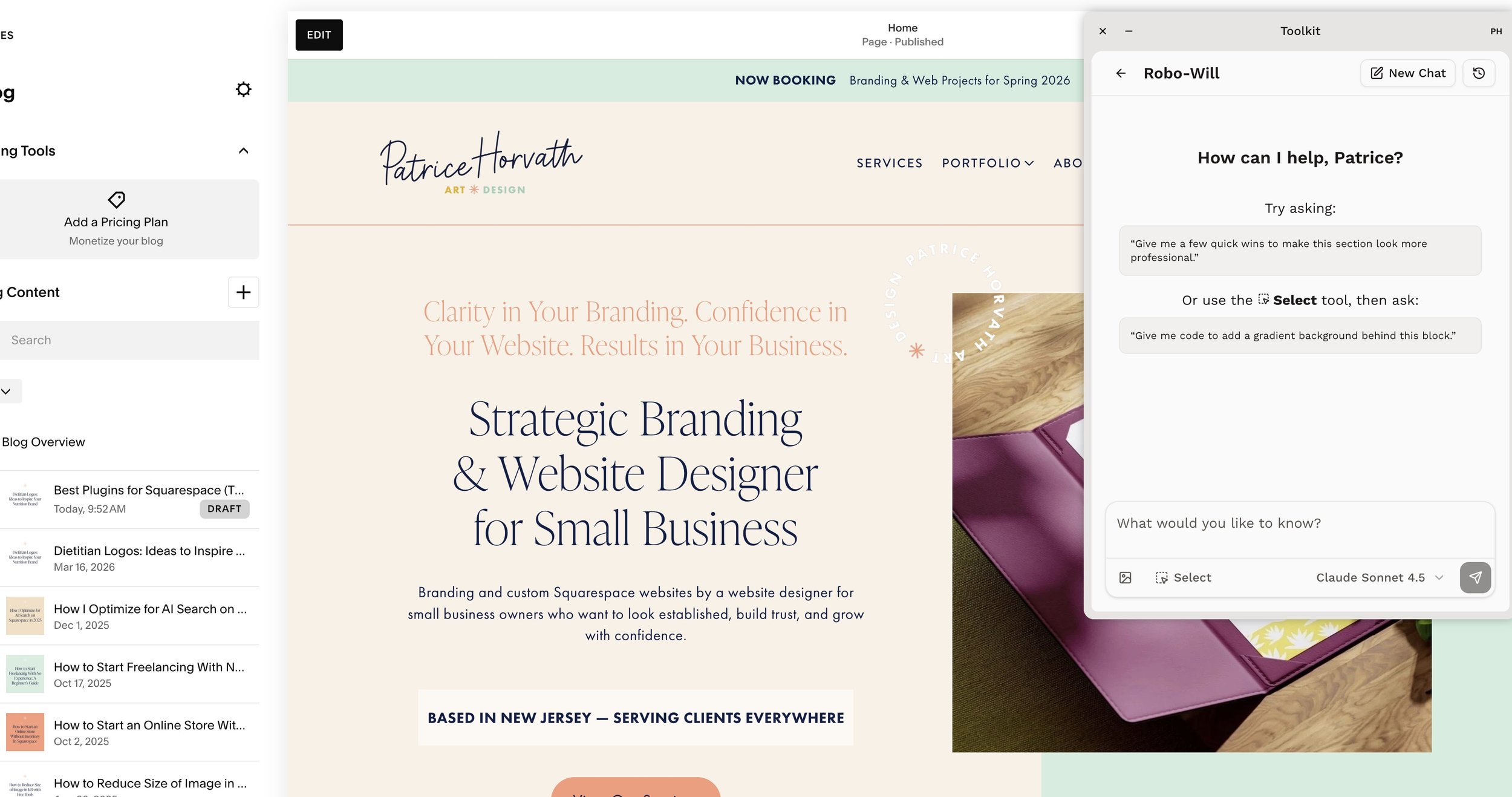
When you want to go beyond what Squarespace offers out of the box, Will Myers’ tools are where things start to get really powerful. Now I belong to his Code Curious subscription which gets you access to his full library of style plugins you can apply to your template. Includes helpful tutorials for each, complete with easy to use video instructions and extra styling tools for some.
One of my favorite and best Squarespace plugins and extensions especially when working on more custom client sites is the Robo Will Chrome Extension.
This tool allows you to:
Easily add and manage custom code (think fun button styles and scroll effects)
Implement plugins without digging through backend settings
Streamline what would normally feel very technical
As a web designer and developer, this saves a ton of time. And for business owners, it opens the door to more advanced features without needing to switch platforms.
It’s a great way to bridge the gap between a template-based site and a more custom experience.
4. Auto-Scrolling Slider (Will Myers Plugin)
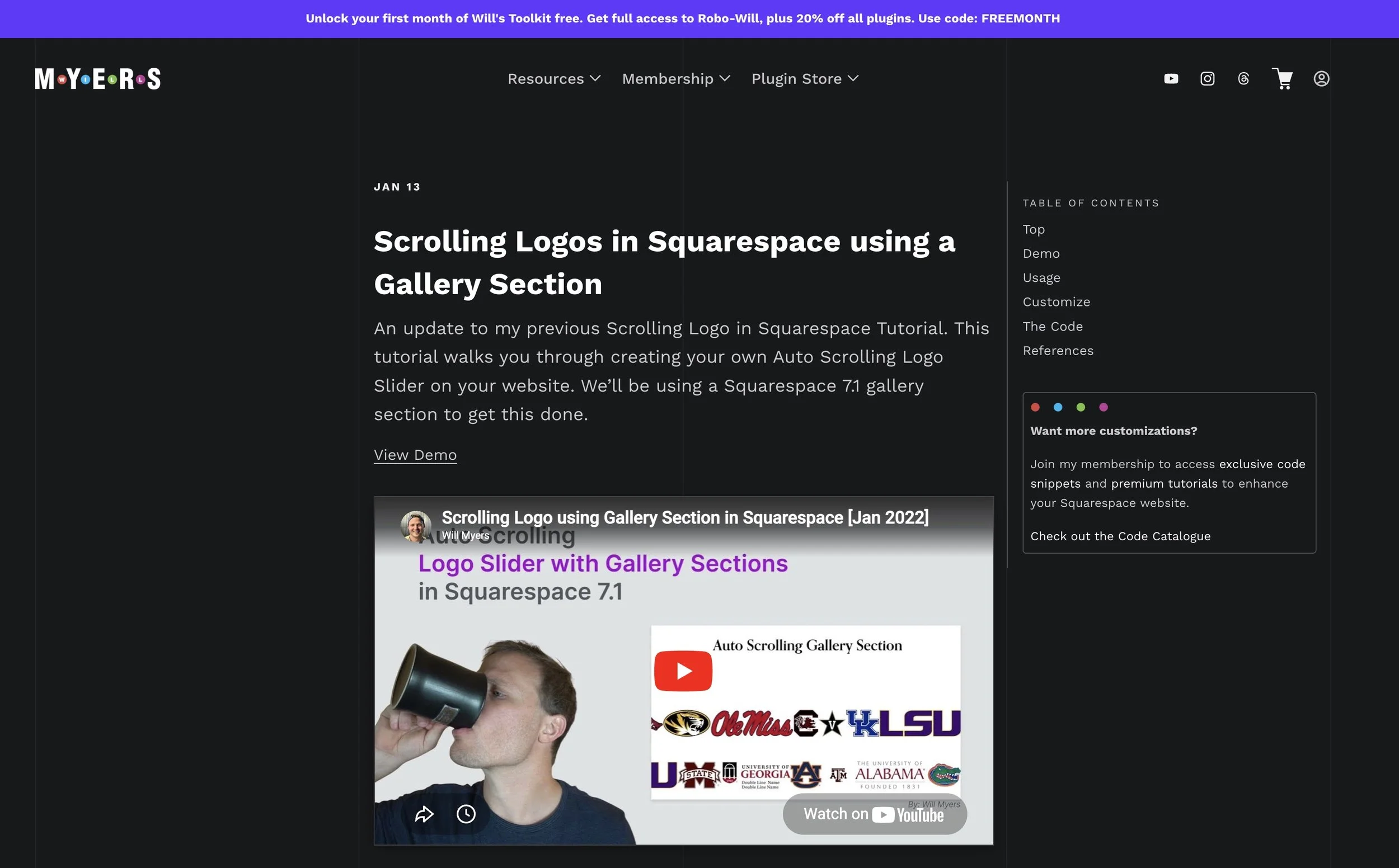
One of my most-used design enhancements, also by Will Myers, is the auto-scrolling slider and it’s such a simple way to elevate your site.
I use this all the time for:
Rotating logo bars (great for social proof)
Portfolio gallery image sliders
Testimonials
It adds subtle movement and polish that instantly makes your site feel more high-end and dynamic without overwhelming your design.
If your website feels a little too “static,” this is one of the easiest upgrades you can make.
5. Ghost Plugins (Flexible Theme Design + Functionality)
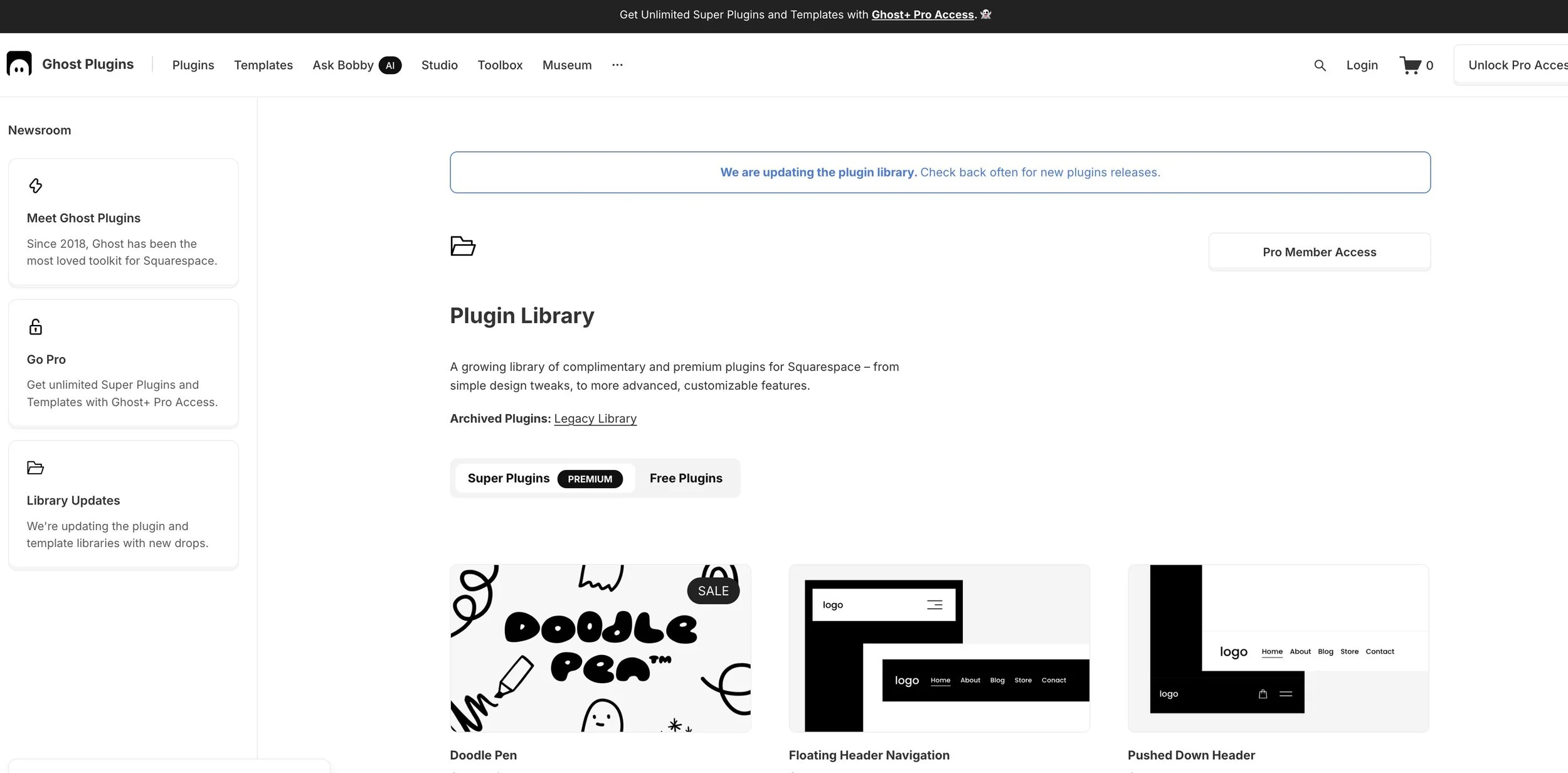
If you want more flexibility without piecing together a bunch of separate tools, Ghost Plugins is a great option.
It offers a wide range of enhancements that can help you:
Customize layouts
Add interactive elements
Extend Squarespace functionality
What I like about Ghost Plugins is that it gives you more creative control while still keeping things streamlined.
Instead of stacking multiple tools, you can use one platform to handle several upgrades, which helps keep your site clean and efficient.
Bonus: Kleemt* (New Squarespace Section & Block Library)
Kleemt* is a newer tool that adds pre-built, responsive sections (think pricing tables, timelines, team layouts, and carousels) directly into the Squarespace editor with no code required. You paste one snippet into Code Injection, and from there you're just customizing pre-designed sections like any other Squarespace block.
Full transparency: I haven't used this one in a client project yet since it's still pretty new, but I've seen good feedback about it in my network, so I wanted to flag it here in case you're looking for more design flexibility without hiring a developer.
A few things to know before trying it:
It's a newer product, so the design library is growing
One-time payment: no subscription, no monthly fees
How to Choose the Right Squarespace Plugins
Here’s the biggest mistake I see:
Adding plugins just because you can.
Instead, start with your goals:
Do you want better SEO?
Do you need legal protection?
Are you trying to improve your design?
Do you want more leads or bookings?
Then choose 1–3 tools that directly support those goals.
Because a simple, strategic website will always outperform one that’s overloaded with unnecessary features.
FAQs About Plugins for Squarespace
What are the downsides to Squarespace?
Squarespace can feel limiting compared to platforms like WordPress, especially for advanced customization. However, for most small businesses, its ease of use and built-in features make it a strong choice.
How to spice up your Squarespace website?
You can elevate your site with:
Subtle animations (like auto-scrolling sliders)
Custom design enhancements
Strategic plugins
Even small changes can make a big impact.
What are examples of plugins?
Examples include:
SEO tools like SEOspace*
Legal tools like Termageddon*
Design tools like Will Myers plugins
All-in-one enhancements like Ghost Plugins
Which is better: Wix, Squarespace, or WordPress?
It depends on your goals:
Squarespace: Best balance of design + ease of use
Wix: More flexible, slightly less design-focused
WordPress: Highly customizable but more complex
For most service-based businesses I use Squarespace.
Final Thoughts: Keep It Simple, Keep It Strategic
When it comes to the best plugins for Squarespace, more isn’t better.
Better is better.
A few well-chosen tools can help you:
Show up in search
Build trust
Elevate your design
Convert visitors into clients
And that’s what your website is really there to do.
Ready to Elevate Your Squarespace Website?
If you’re not sure which plugins your site actually needs or you’re ready for a more strategic, polished online presence—I’d love to help.
Book a discovery call and let’s create a Squarespace website that not only looks beautiful—but actually works for your business.
This post may contain affiliate links, which means I may earn a small commission if you choose to purchase through them—at no additional cost to you. I only recommend tools I genuinely use and trust.

