A quick note before we get into it: this post contains an affiliate link. If you sign up for SEOSpace through my link, I may earn a small commission at no extra cost to you. I only recommend tools I genuinely use in my own business and with clients, and SEOSpace is one of them.
If you've landed on this post, you're probably trying to decide whether SEOSpace is worth adding to your Squarespace toolkit, or wondering if the SEOSpace reviews you've read online are actually accurate. I get it. As a Squarespace web designer who's used SEOSpace for years on my own site and across client projects, I wanted to write the review I wish I'd found when I was first considering it: honest, specific, and from someone who actually uses the thing every day instead of just skimming the features page.
So here's my real take on SEOSpace*, what it's actually like to use, what I've learned along the way, and whether I think it's worth it for you.
What Is SEOSpace?
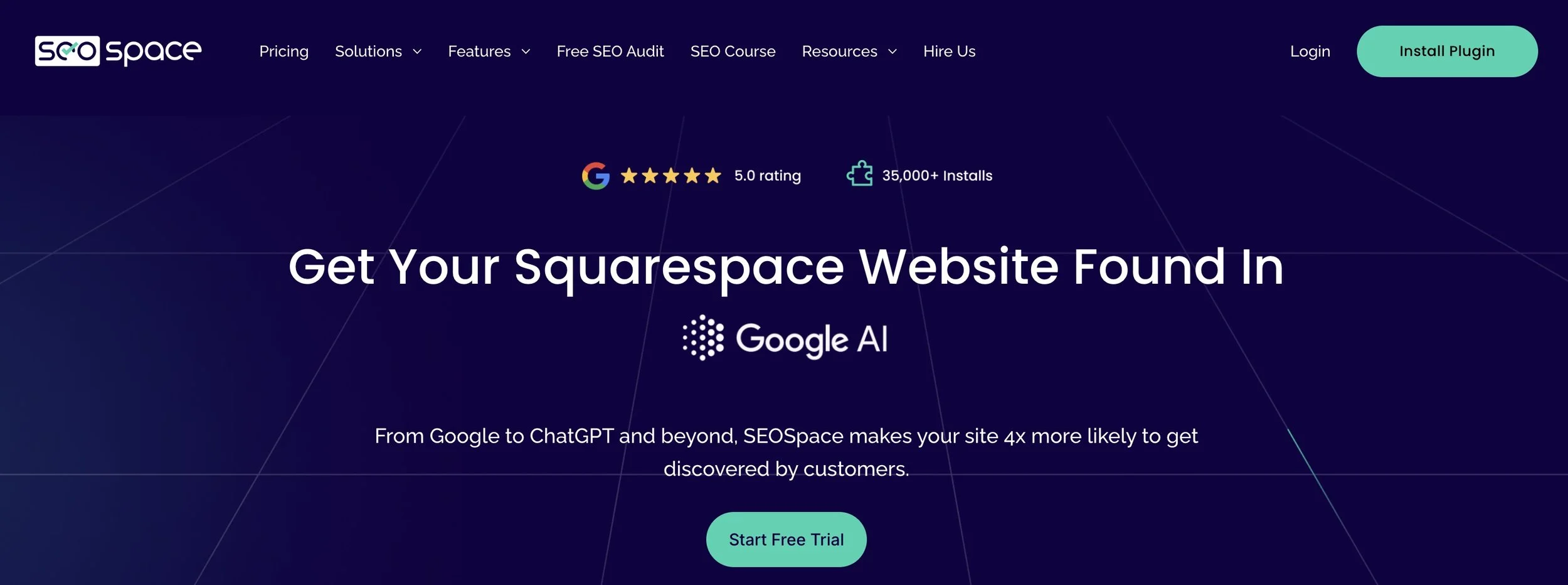
SEOSpace is an SEO plugin built specifically for Squarespace. Instead of generic SEO advice that assumes you're on WordPress, it lives right inside your Squarespace editor and walks you through exactly what to fix on each page, from your titles to your alt text to your page settings, in plain language. No SEO degree required.
My Honest SEOSpace Review After Years of Use
I've been using SEOSpace for a while now, both on my own website and for clients, and a few things have stuck with me the whole time.
First, the setup is genuinely fast. You install the Chrome extension, connect your site, and within a few minutes you have a clear list of what to fix and why it matters. There's no learning curve where you need to figure out what the tool even wants from you.
Second, I love that it's actionable. A lot of SEO tools hand you a wall of data and leave you to figure out what to do with it. SEOSpace tells you the specific page, the specific fix, and walks you through making it, right there in your Squarespace editor. That's a big deal if you're a business owner who doesn't have hours to spend decoding an SEO audit.
Third, the browser integration means I genuinely use it any time I'm working on my own site or a client's. It's become part of my normal workflow rather than a separate task I have to remember to do.
What I've Learned Using SEOSpace and Attending Their Academy
Beyond just using the plugin, I've also been attending SEOSpace's Academy, their education program that goes deeper into Squarespace SEO strategy beyond what the plugin itself flags. I haven't finished the full course yet, but even what I've gone through so far has sharpened how I think about Squarespace SEO for my own business and for clients.
Between using the tool consistently and what I've picked up through the Academy content, I've noticed a real improvement in how my own site shows up, not just in traditional Google search, but in AI search tools like ChatGPT as well. I've written before about how I optimize for AI search on Squarespace, and SEOSpace is part of that workflow now alongside the other tools I use.
Is SEOSpace Worth It If You're Not a Designer?
Short answer: yes, and honestly, this is who I think benefits the most. You don't need to be a web designer or have any SEO background to use SEOSpace. If you're a small business owner running your own Squarespace site, whether you're a dietitian, a therapist, an interior designer, or any other service provider managing your own website, SEOSpace tells you exactly what to fix in plain language. You don't need to know what a meta description is before you start, it teaches you as you go.
That's really the value here: it brings genuine SEO improvement within reach of people who don't have a marketing background and don't have hours to spend learning one. It's one of the tools I mention in my roundup of the best plugins for Squarespace, but it earns a deeper dive here because of how much I actually rely on it.
SEOSpace Pricing
SEOSpace's pricing is reasonable, with tiers that work whether you're a solo business owner managing one site or an agency managing several. They recently updated their plans so that most of what used to be separate add-ons is now included right in the basic tier, which makes it a more straightforward decision than it used to be. Since pricing can change, I'd recommend checking their site directly for current plan details rather than relying on numbers from any review, including this one.
Is SEOSpace Worth It?
Honestly, yes, for the kind of business owner this is built for. If you're running a Squarespace site and you want clear, actionable SEO guidance without needing to become an SEO expert yourself, SEOSpace makes that process a lot less overwhelming, design background or not.
It's not going to replace strategy, good content, or backlinks, no tool will. But as a way to stay on top of the technical and on-page side of SEO without losing hours to it, I've found it to be one of the more practical tools in my toolkit.
Frequently Asked Questions
Is SEOSpace worth it?
For most Squarespace business owners, yes. It simplifies SEO into clear, actionable steps instead of leaving you to figure out what to fix on your own.
What's included in SEOSpace's pricing tiers?
Plans range from solo-site options to agency tiers for managing multiple sites. They recently simplified things so more features are included in the basic plan. Check their site for current details since pricing can change.
Does SEOSpace replace Squarespace's built-in SEO tools, or work alongside them?
It works alongside them. Squarespace already has solid SEO basics built in, and SEOSpace adds guided, page-by-page recommendations on top of that.
Is there a free version or trial?
Yes, SEOSpace offers a way to try it out before committing to a paid plan, so you can see how it works on your own site first.
Do I need design or SEO experience to use SEOSpace?
No. It's built for business owners without an SEO or design background. It tells you exactly what to fix in plain language, so you don't need any technical experience to get started.
Try SEOSpace for Yourself
If you've made it this far, you're probably ready to see what SEOSpace can do for your own Squarespace site. Try SEOSpace here* and see the difference for yourself. If you have any questions about setting it up or how I use it with clients, feel free to reach out.